The dashboard
Track your journey through time
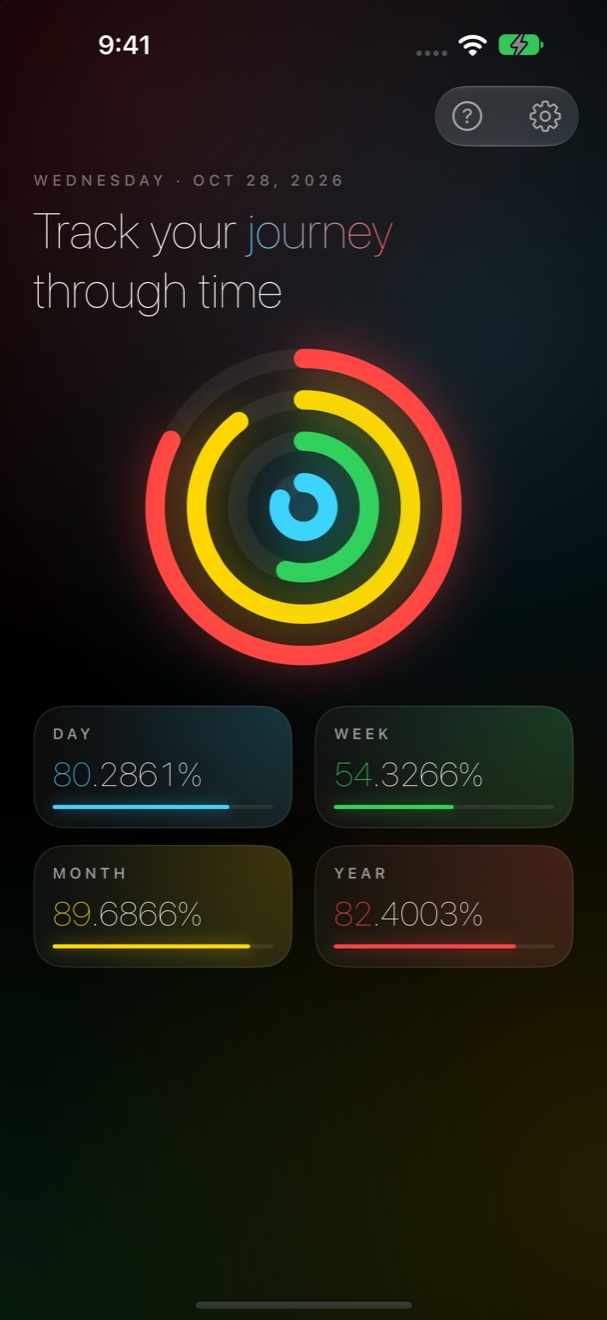
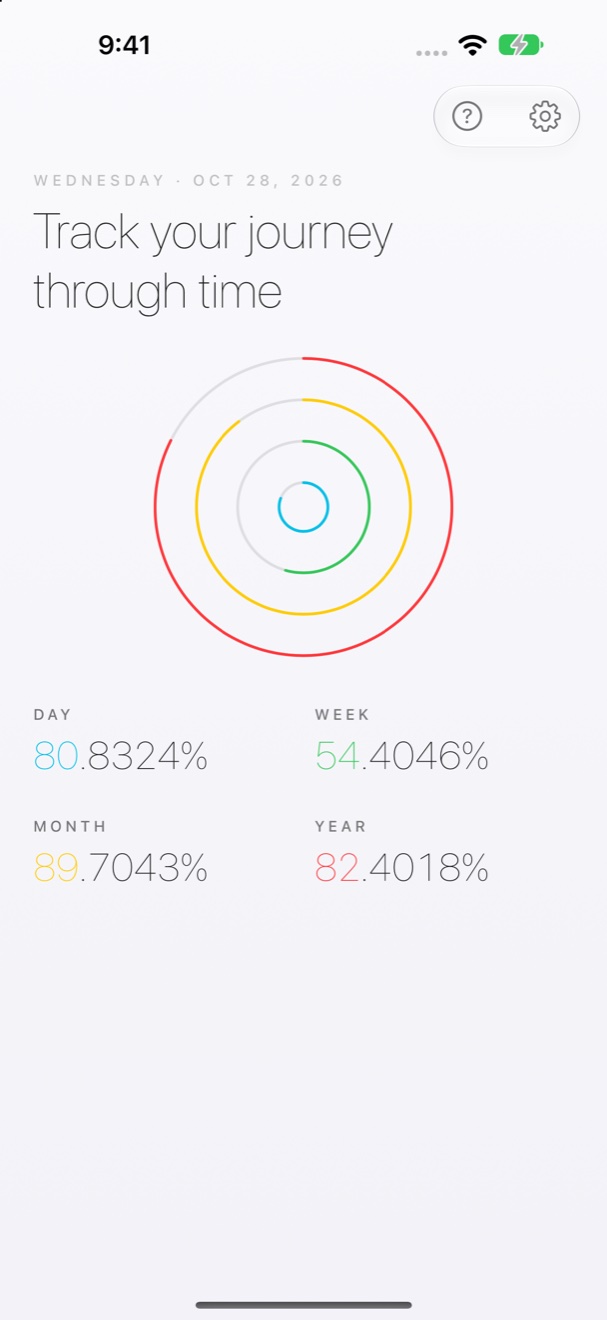
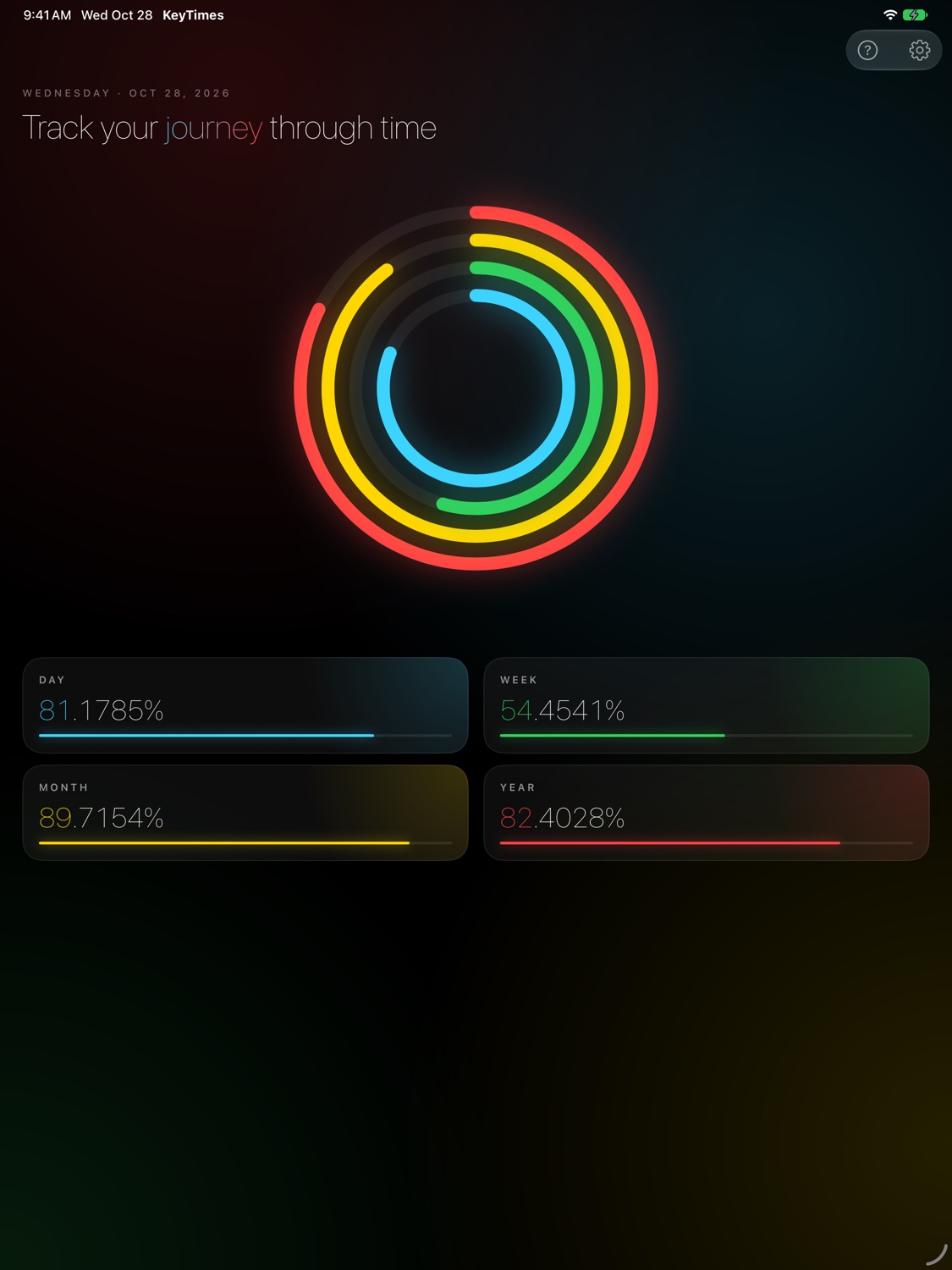
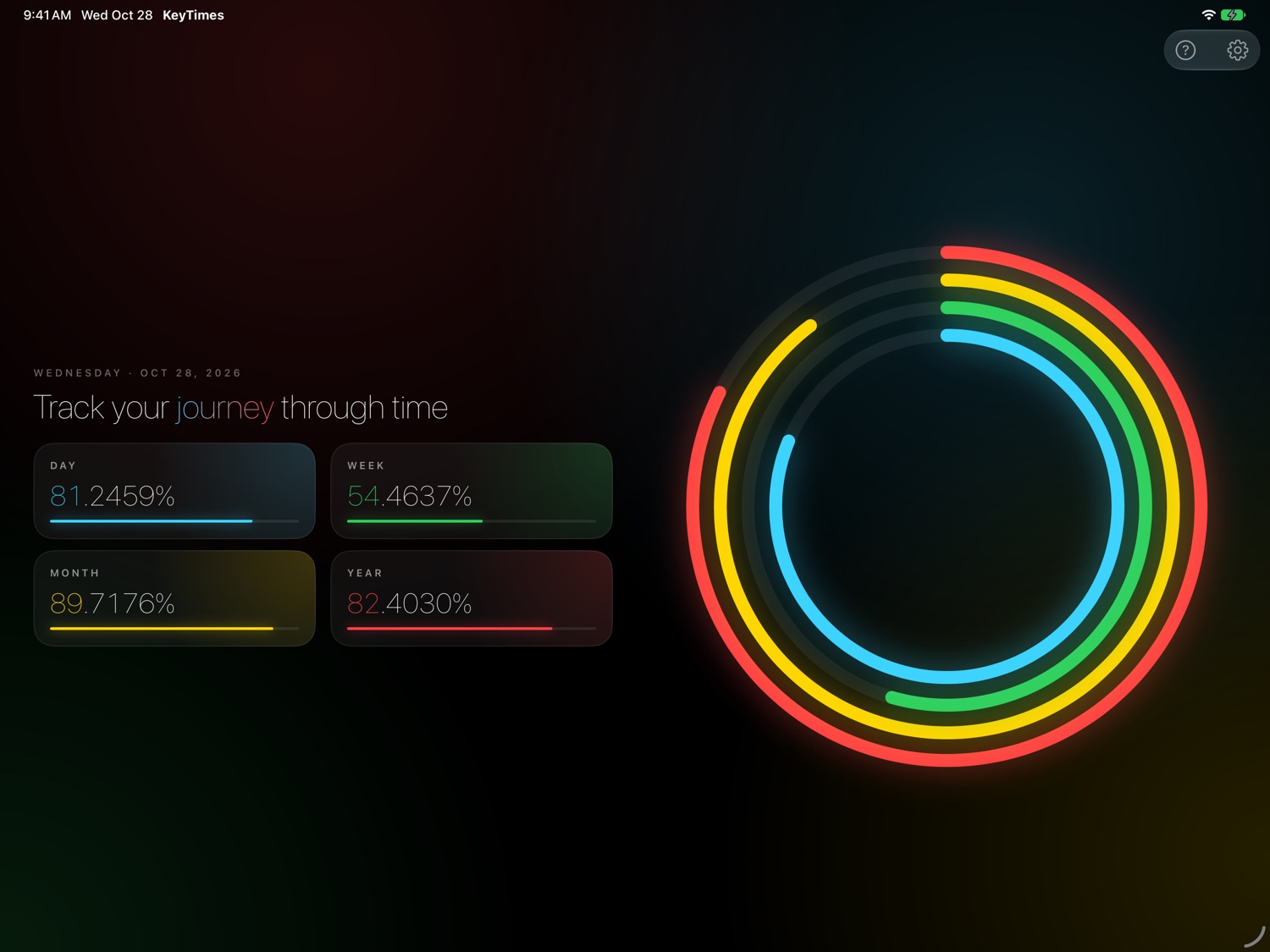
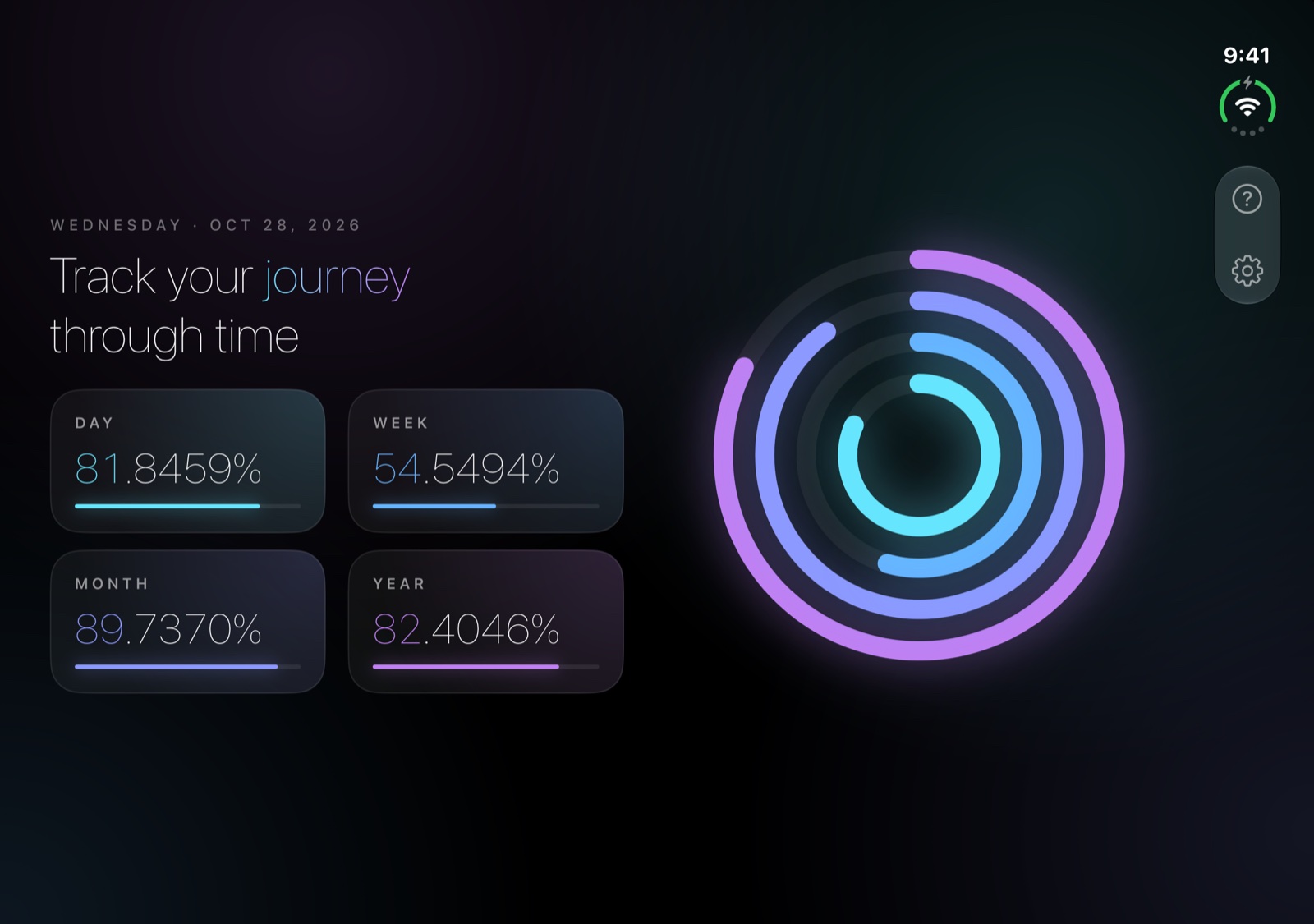
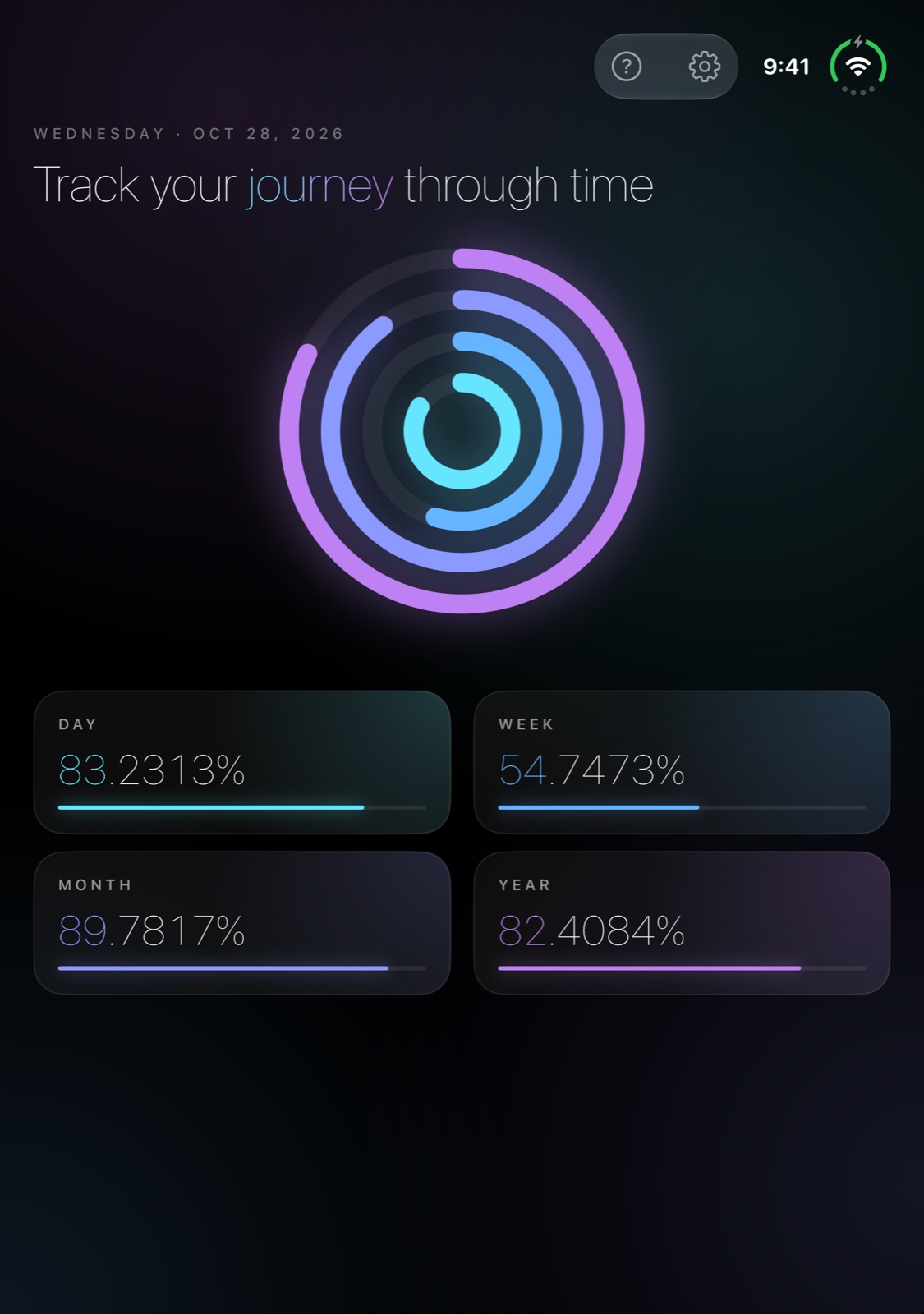
Four rings. From the inside: Day, Week, Month, Year. Each ring starts at 12 o'clock and runs clockwise. The numbers change once each second.

 KeyTimes
Get it on the App Store
WEDNESDAY · OCT 28, 2026
KeyTimes makes time visible: your day, week, month, year, and life. It lives on your Home Screen.
Download on the App Store
Free. iOS 26 or later.
Example: 28 October 2026.
Four rings. From the inside: Day, Week, Month, Year. Each ring starts at 12 o'clock and runs clockwise. The numbers change once each second.
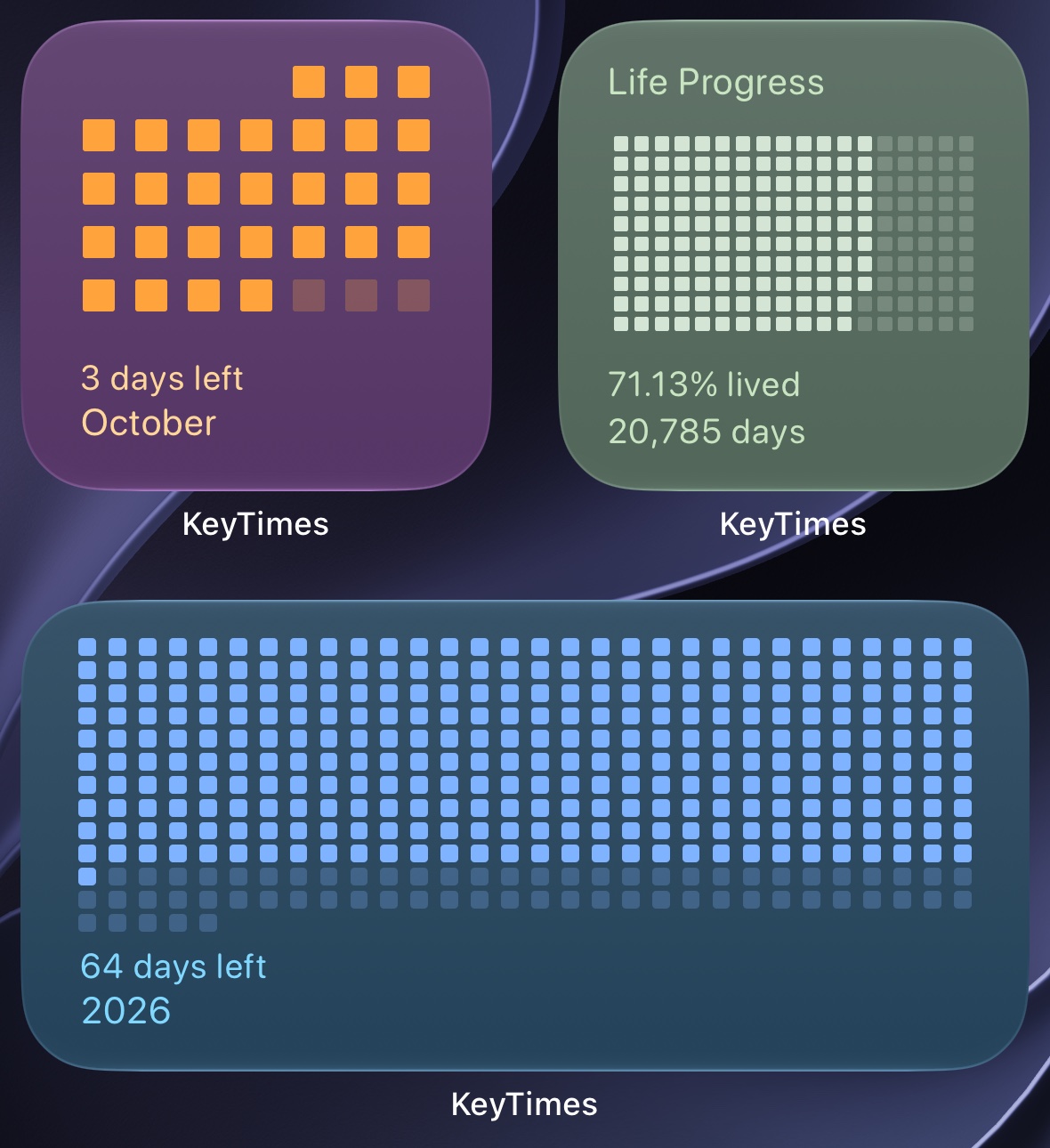
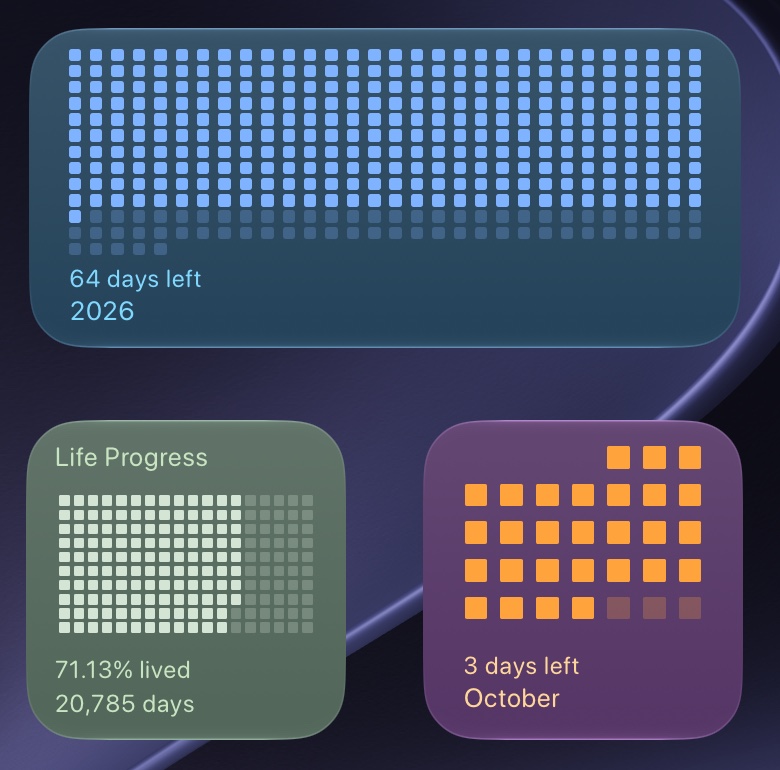
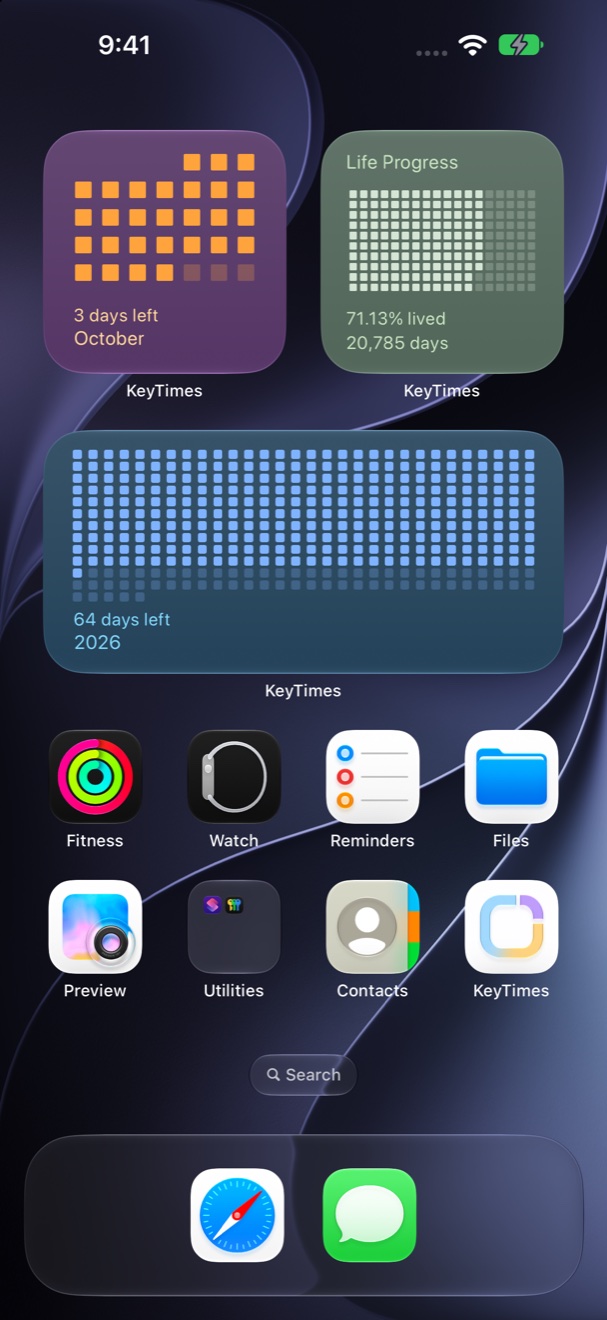
One cell for each day of the year. A filled cell is a completed day, and today counts as filled.
64 days left in 2026
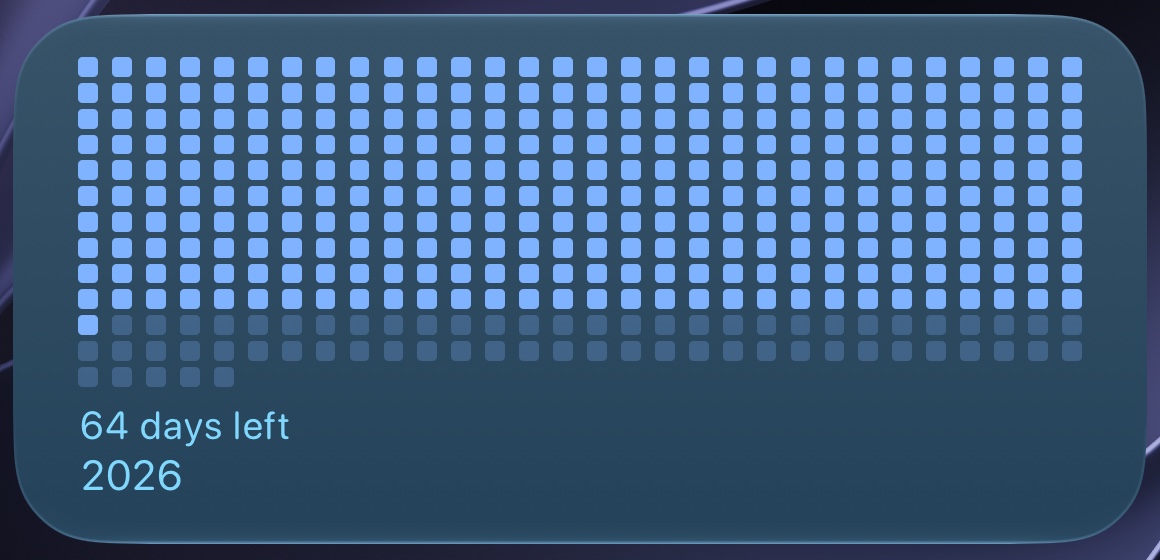
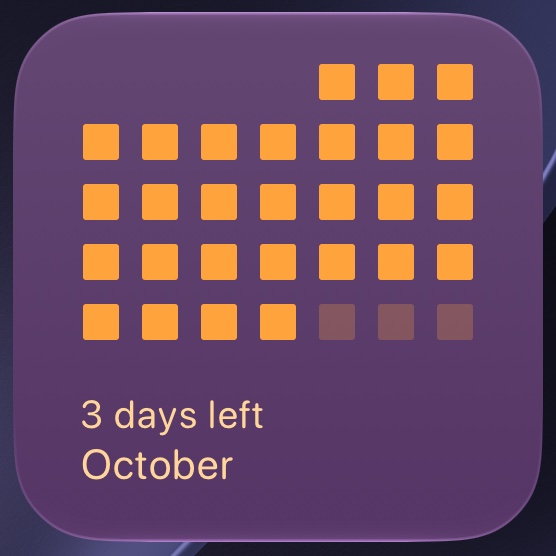
A 7-column calendar grid aligned with the real weekdays. Leading blanks align day 1.
3 days left in October
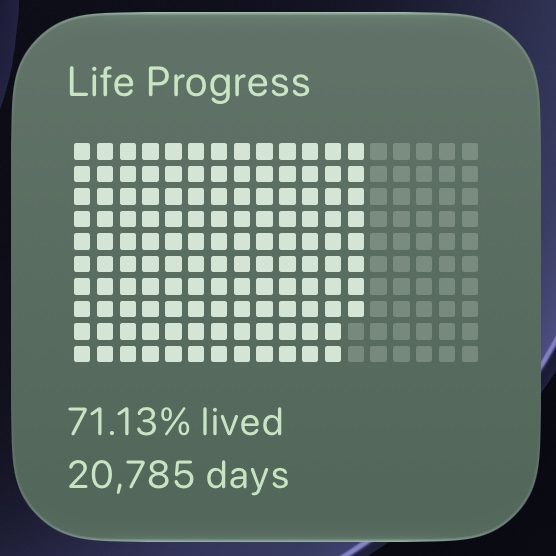
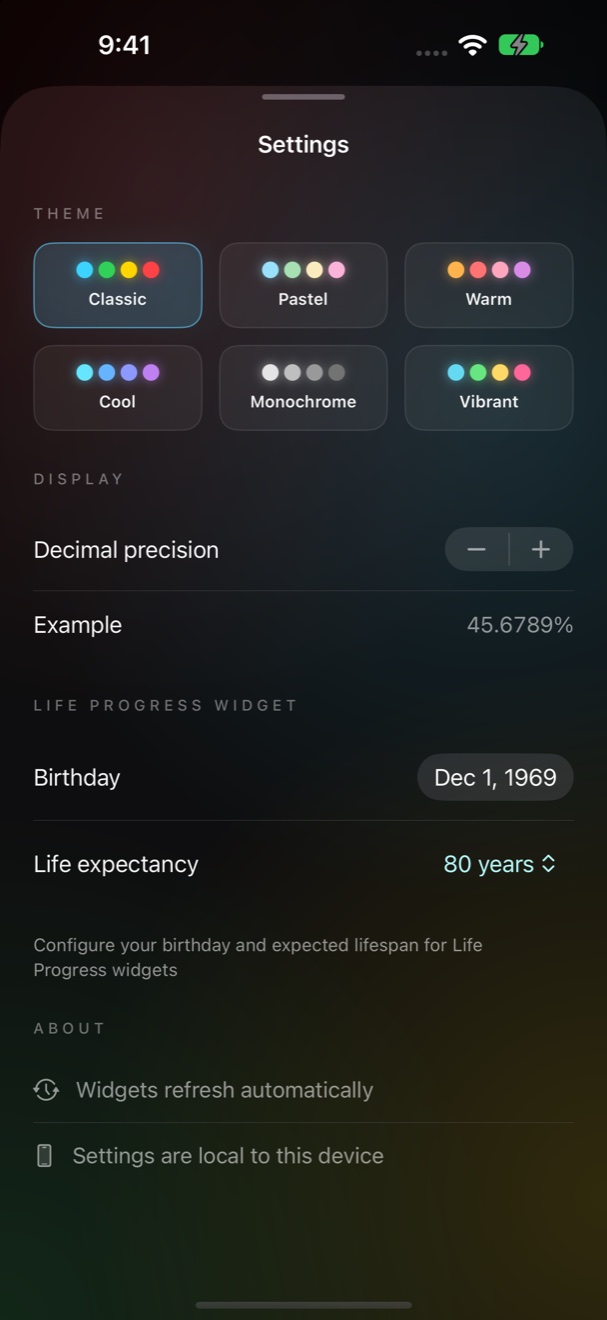
Your birthday. Your chosen lifespan. A personal perspective on time. Set both in Settings, with a life expectancy from 20 to 120 years.
Widgets refresh automatically and show whole days. Only the dashboard changes each second, as the small Day ring does here.
Decimal precision runs from 0 to 10, and the default is 4. Each second adds 0.0011574 percent to the day.
Example: 28 October 2026.
The light look. Time on paper.
The dark look. Time as light.
Each widget has an original version and a Zen variant in the widget gallery. Available options and sizes vary by widget. Edit Widget changes the theme, the font, the visual style, and the fields.
One cell for each day. Columns change with the size.
A simple view of the month and the days remaining.
3 days left in October
Three visual styles: Retro, Grid Horizontal, and Grid Vertical.
Shown: an example birthday. Type your own. This page does not store or send your date.
Retro draws at Medium and Extra Large. Fields: Percentage, Days Lived, Age (Decimal), Days Remaining, Years Lived, Years Remaining, or None.
15 themes: 6 app themes and 9 widget themes. 4 widget fonts. All are included.
An app theme colors the rings, the halos, and this page.
Each theme has a dark and a light value. Switch this page to Zen to see the light values.
Ocean, Rounded. The default font is Rounded.
The dashboard adapts to portrait and landscape on iPhone, larger iPad windows, and the outer and inner displays of iPhone Duo. These are real captures.
iPhone. The rings sit above the cards.
To configure Life Progress, open KeyTimes, open Settings, and set the birthday and the life expectancy.
The app includes an Apple Privacy Manifest.
 Download on the App Store
Requires iOS 26 or later, on iPhone or iPad.
A date on a screen does not tell me how much of the year is gone. A grid does. KeyTimes gives me that one look, and then I go back to my day.The builder of KeyTimes, Nombi Sioi